Remote Work IT Security: How to Keep Your Business Safe When Your Team Works from Home
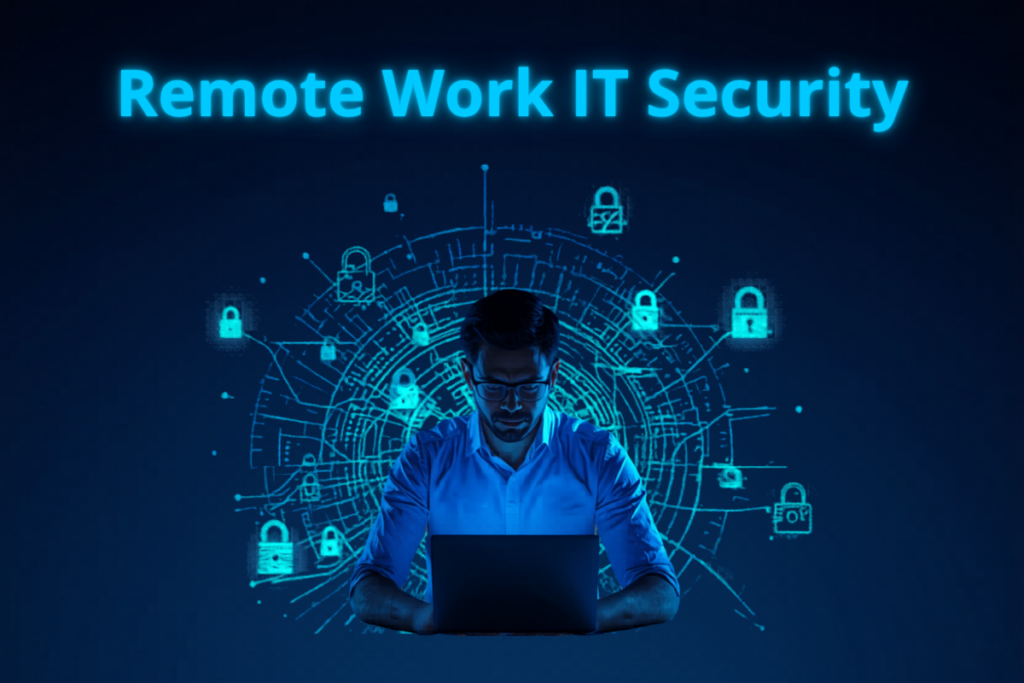
Remote work has fundamentally changed the cybersecurity landscape for small businesses. When every employee worked in the same office, security was relatively straightforward — one network, one perimeter, one set of physical controls.
Today, your employees work from home networks, coffee shops, hotel Wi-Fi, and client sites. Every remote work location is a potential security vulnerability. And the tools used to enable remote work — VPNs, Remote Desktop, cloud applications — have become primary targets for attackers.
Here is how to keep your business secure in a remote and hybrid work environment.
Why Remote Work Creates New Security Risks
Home networks are far less secure than corporate networks. They often run with default router settings, outdated firmware, and no network monitoring. Family members and guests share the same network as your employee’s work device.
Remote work tools create attack surfaces. VPNs with weak passwords are actively targeted by ransomware groups. Remote Desktop Protocol exposed to the internet is one of the most commonly exploited entry points for attackers.
Employees are more distracted at home and more likely to click on phishing emails, use personal devices for work tasks, and bypass security policies when no one is watching.
Essential Remote Work Security Controls
1. Require Multi-Factor Authentication on Everything
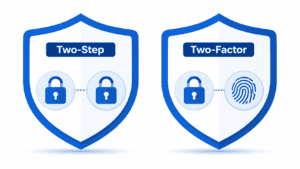
This is non-negotiable for remote work. Every account that can be accessed remotely — email, cloud applications, VPN, Remote Desktop, financial systems — must have MFA enabled. Without MFA, a stolen password gives an attacker immediate access to your systems from anywhere in the world.
2. Use a Business VPN for All Remote Access
A Virtual Private Network encrypts all traffic between your remote employees and your business network, protecting data in transit even over unsecured home or public Wi-Fi networks. Never allow employees to connect to business systems over public Wi-Fi without a VPN.
For businesses using cloud-based systems exclusively, consider a Zero Trust Network Access solution instead of a traditional VPN for better security and flexibility.
3. Secure or Prohibit Remote Desktop Protocol
If your employees use Remote Desktop to access office computers, ensure RDP is never exposed directly to the internet. Require RDP connections to go through a VPN. Enable Network Level Authentication. Restrict RDP access to specific IP addresses where possible. Better yet, consider replacing RDP with a secure remote access solution that provides better controls and monitoring.
4. Manage All Devices with MDM
Mobile Device Management software lets you enforce security policies on all devices accessing company data — whether company-owned or personal. MDM allows you to require encryption, enforce screen locks, remotely wipe lost or stolen devices, and ensure all devices have current security software installed.
5. Enforce a Clear Acceptable Use Policy
Remote employees need clear guidance on what is and is not acceptable when working from home. Document policies covering which devices can be used for work, which networks are acceptable, how sensitive data should be handled, what software can be installed, and how to report security concerns.
6. Separate Work and Personal Activity
Company-issued devices should be used for work only. Personal devices used for work (BYOD) should be enrolled in MDM and have a clear separation between personal and work data. Employees should never process work data on personal devices that are not enrolled in your MDM system.
7. Provide Security Awareness Training for Remote Work
Remote workers face unique phishing and social engineering risks. Training should specifically cover the risks of working on home networks, how to identify and report phishing, safe use of cloud applications, how to handle sensitive data outside the office, and what to do if a device is lost or stolen.
Monitoring Remote Work Security
When employees work remotely, visibility into what is happening on your network becomes more challenging and more important. Deploy endpoint detection and response tools on all remote devices. Use cloud access security broker technology to monitor and control access to cloud applications. Implement logging and monitoring for all remote access connections — unusual login times, locations, or behaviors can indicate a compromised account.
Building a Remote Work Security Policy
Every business with remote or hybrid workers needs a documented remote work security policy. This policy should cover approved devices and how they must be configured, acceptable use of home and public networks, VPN requirements, data handling procedures for sensitive information, incident reporting procedures, and consequences for policy violations.
Review and update this policy at least annually and whenever your remote work tools or environment changes significantly.
How NetProtechs Secures Remote Teams
NetProtechs helps Arizona businesses build secure, productive remote work environments. Our remote work security services include MFA deployment and management across all accounts, business VPN setup and management, Remote Desktop security hardening, Mobile Device Management for all remote devices, endpoint detection and response on every remote device, 24/7 monitoring of all remote access connections, and security awareness training tailored for remote teams.