Introduction
Phishing is the single most common entry point for cyberattacks against businesses. In 2026, it accounts for over 80% of all reported security incidents — and the attacks have become sophisticated enough to fool even tech-savvy employees.
Phishing emails no longer look like obvious scams. They look like messages from your CEO, your bank, your cloud provider, or a trusted vendor. And a single click can hand attackers the keys to your entire organization.
Here is everything you need to know about how phishing works — and exactly how to protect your business.
What Is a Phishing Attack?
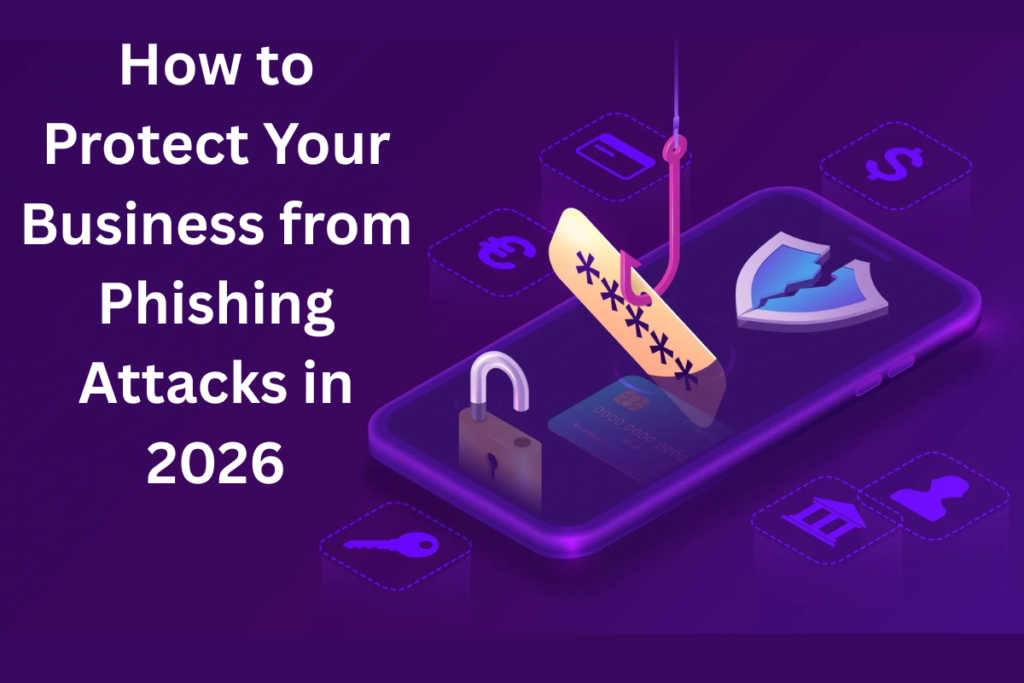
A phishing attack is a social engineering attack where a cybercriminal impersonates a trusted person or organization to trick your employees into revealing credentials, clicking a malicious link, or downloading malware.
The goal is always the same: gain unauthorized access to your systems, your data, or your money.
Types of Phishing Attacks
Email Phishing — Most Common
Mass emails sent to thousands of addresses at once. These impersonate well-known brands like Microsoft, PayPal, or your bank. Modern versions are convincingly professional and hard to distinguish from legitimate messages.
Spear Phishing — Most Dangerous
Targeted attacks customized for a specific individual or organization. Attackers research their target using LinkedIn, company websites, and social media to craft highly believable messages that reference real colleagues, projects, or systems.
Whaling
Spear phishing attacks specifically targeting executives and senior leadership. The goal is often to authorize fraudulent wire transfers or gain access to high-privilege accounts.
Business Email Compromise (BEC)
The attacker compromises or impersonates a business email account — often an executive — and uses it to request urgent wire transfers, vendor payment changes, or sensitive data from employees.
Smishing and Vishing
Phishing delivered via SMS text message (smishing) or phone call (vishing). These are increasingly common as email filters get better and attackers seek alternative channels.
How to Recognize a Phishing Email
Look for unexpected urgency — attackers create pressure to act quickly before you think critically. Check the sender email address carefully — it may look similar to a legitimate address but with subtle differences. Hover over links before clicking to see where they actually go. Be suspicious of any email requesting credentials, payment changes, or sensitive information. Look for grammar and formatting inconsistencies, though modern AI-generated phishing is increasingly polished.
7 Ways to Protect Your Business from Phishing
- Implement Email Filtering and Anti-Phishing Tools
Modern email security solutions scan incoming messages for phishing indicators — suspicious links, spoofed domains, known malicious senders — and block them before they reach your inbox. Microsoft Defender for Office 365 and Google Workspace both include strong anti-phishing capabilities.
- Enable Multi-Factor Authentication
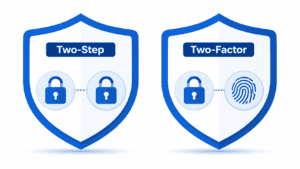
Even if an attacker steals your password through phishing, MFA prevents them from logging in without the second factor. Enable MFA on every account, without exception. This single step makes stolen credentials dramatically less valuable to attackers.
- Run Regular Security Awareness Training
Your employees need to know how to recognize phishing attacks before they click. Conduct quarterly security awareness training sessions and run simulated phishing campaigns to test and reinforce what they have learned. Employees who click on simulated phishing should receive immediate training, not punishment.
- Implement DMARC, DKIM, and SPF
These email authentication protocols make it much harder for attackers to send emails that appear to come from your domain. Implementing all three significantly reduces the risk of your domain being used in phishing attacks against your partners and customers.
- Create a Clear Reporting Process
Make it easy for employees to report suspicious emails without fear of embarrassment. A culture where employees feel comfortable reporting potential phishing — even if they already clicked — is critical to limiting damage when an attack slips through.
- Verify All Unusual Financial Requests
Establish a policy that all requests to change vendor payment information, transfer funds, or share sensitive data must be verified via a separate communication channel — a phone call to a known number, never using contact information provided in the suspicious email.
- Keep All Software Updated
Phishing emails often deliver malware that exploits vulnerabilities in outdated software. Keeping all your systems patched eliminates a major pathway for attackers to leverage a successful phishing click into a serious compromise.
What to Do If Someone Clicks a Phishing Link
Stay calm and act quickly. Immediately disconnect the affected device from the network. Contact your IT provider or MSP right away. Change passwords for any accounts that may have been compromised. Enable MFA on those accounts if not already active. Report the incident to your IT team so they can investigate for additional compromise. Document everything for your incident response records.
How NetProtechs Protects Arizona Businesses from Phishing
Our comprehensive anti-phishing approach includes enterprise email filtering that blocks phishing before it reaches your inbox, mandatory MFA across all client accounts, quarterly employee security awareness training with simulated phishing campaigns, DMARC and email authentication setup for your domain, 24/7 monitoring to detect and respond to successful phishing attempts quickly, and incident response support when an attack occurs.