
You don’t need a million-dollar IT budget to run a secure, efficient business. You just need to get the fundamentals right.
After working with hundreds of small businesses across Arizona, our engineers have seen the same IT mistakes made over and over again — and they’re almost always preventable.
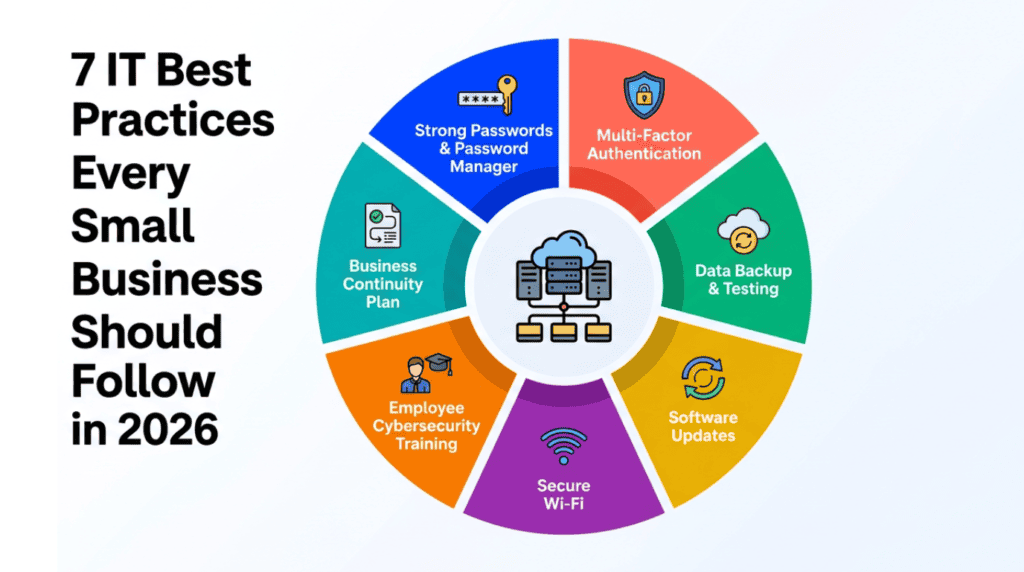
Here are the 7 IT best practices that every small business should have in place in 2026.
1. Use Strong, Unique Passwords and a Password Manager
This sounds obvious — and yet, weak passwords are still the number one entry point for cybercriminals. Use a password manager like Bitwarden or 1Password so every account gets a unique, randomly generated password. Minimum 12 characters, mix of letters, numbers, and symbols. Change passwords immediately when an employee leaves.
2. Enable Multi-Factor Authentication on Everything
Multi-factor authentication requires a second form of verification beyond your password. Even if a cybercriminal has your exact password, they can’t log in without that second factor. Enable MFA on Microsoft 365, Google Workspace, banking, cloud services, your website admin panel, and any system containing customer or financial data.
This single step blocks over 99% of automated password-based attacks.
3. Back Up Your Data — And Test Your Backups
The 3-2-1 backup rule is the gold standard: 3 copies of your data, 2 different storage types, and 1 offsite or cloud backup.
But here’s the part most businesses skip: testing your backups. A backup that doesn’t restore is worthless. Run a test restore at least quarterly to make sure your backup system actually works.
4. Keep All Software Updated
Every piece of software your business uses contains vulnerabilities that are discovered and patched regularly. When you don’t install patches, attackers can exploit the vulnerability directly. Enable automatic updates for all operating systems and software. Schedule a monthly patch day to check for and apply any remaining updates.
5. Secure Your Wi-Fi Network
Your office Wi-Fi is an entry point into your business network. Use WPA3 encryption or WPA2 at minimum. Change the default router admin password immediately. Create a separate guest Wi-Fi network for visitors and personal devices. Use a VPN for remote access.
6. Train Your Employees on Cybersecurity
Human error is responsible for the majority of successful cyberattacks. Conduct quarterly security awareness training sessions. Run simulated phishing tests to see who clicks. Create a clear checklist for every employee on what to do if they suspect an incident. Make cybersecurity part of your onboarding process for new hires.
7. Have a Business Continuity Plan
A Business Continuity Plan is a documented plan for how your business continues operating during and after a major disruption. It should include a key contact list, a system inventory with backup status, recovery procedures, a communication plan, and work-from-home procedures.
Even a simple one-page plan is infinitely better than no plan at all.
Getting Started
These 7 practices aren’t optional extras. They’re the baseline — the minimum foundation every business needs in 2026. Start with the ones that aren’t currently in place and work through the list.